Audit on-page SEO. Pay once, not every month.
A complete on-page SEO audit that runs right in your browser: meta tags, headings, SERP preview, broken links, hreflang, and schema. No subscription, no account, and nothing about the pages you audit ever leaves your machine.
Add to Chrome Free to install. No account required.
Features
A full on-page audit in one click
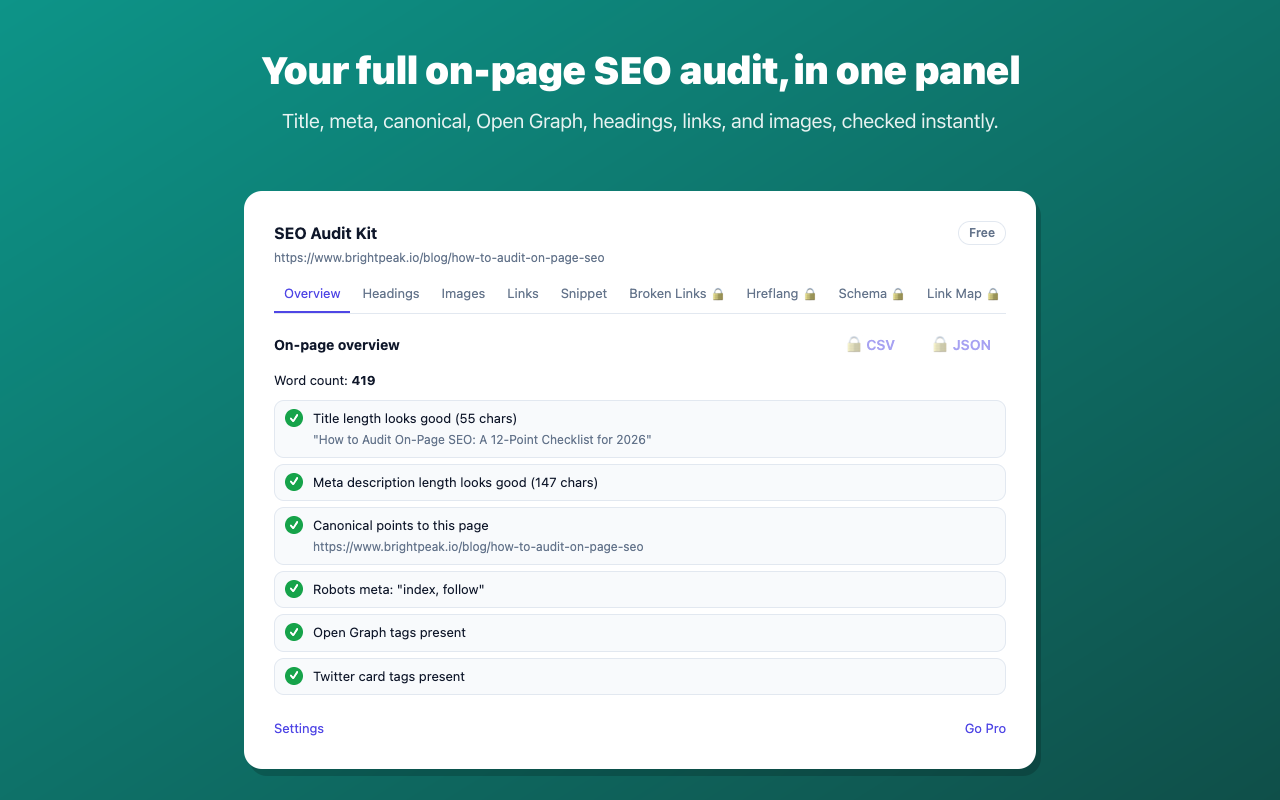
See your title, meta description, canonical, Open Graph, heading outline, images, and links checked against best practice the moment you open a page.
Preview your Google snippet
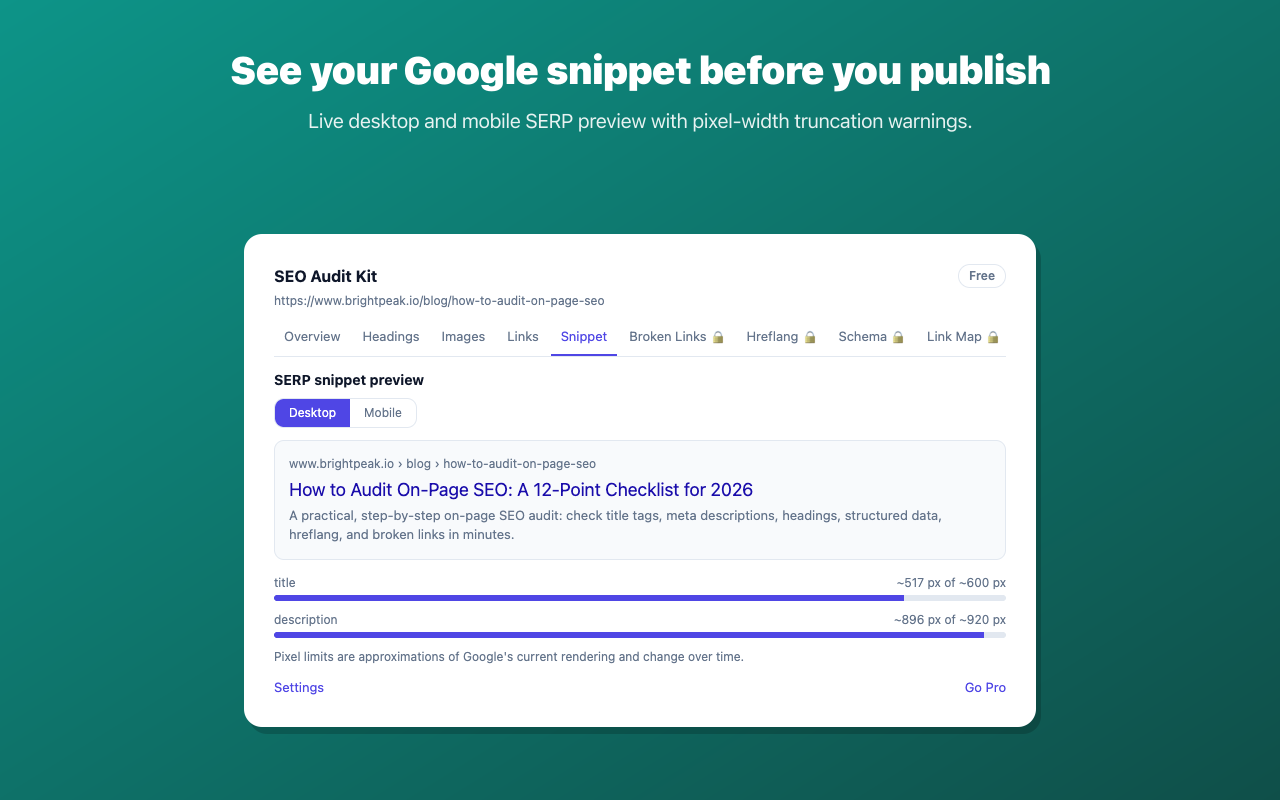
Watch how your title and description render on desktop and mobile, with pixel-width warnings so you fix truncation before you publish, not after.
Pro tools, one-time price
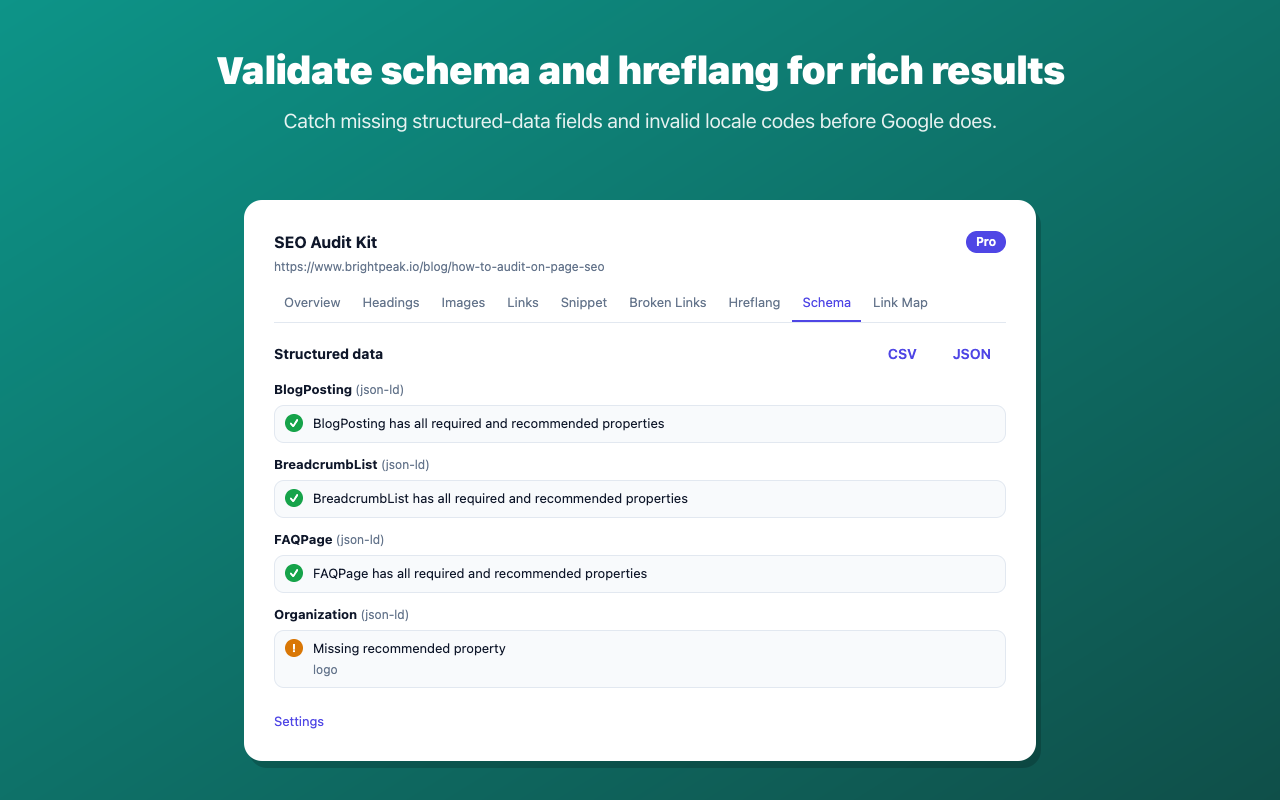
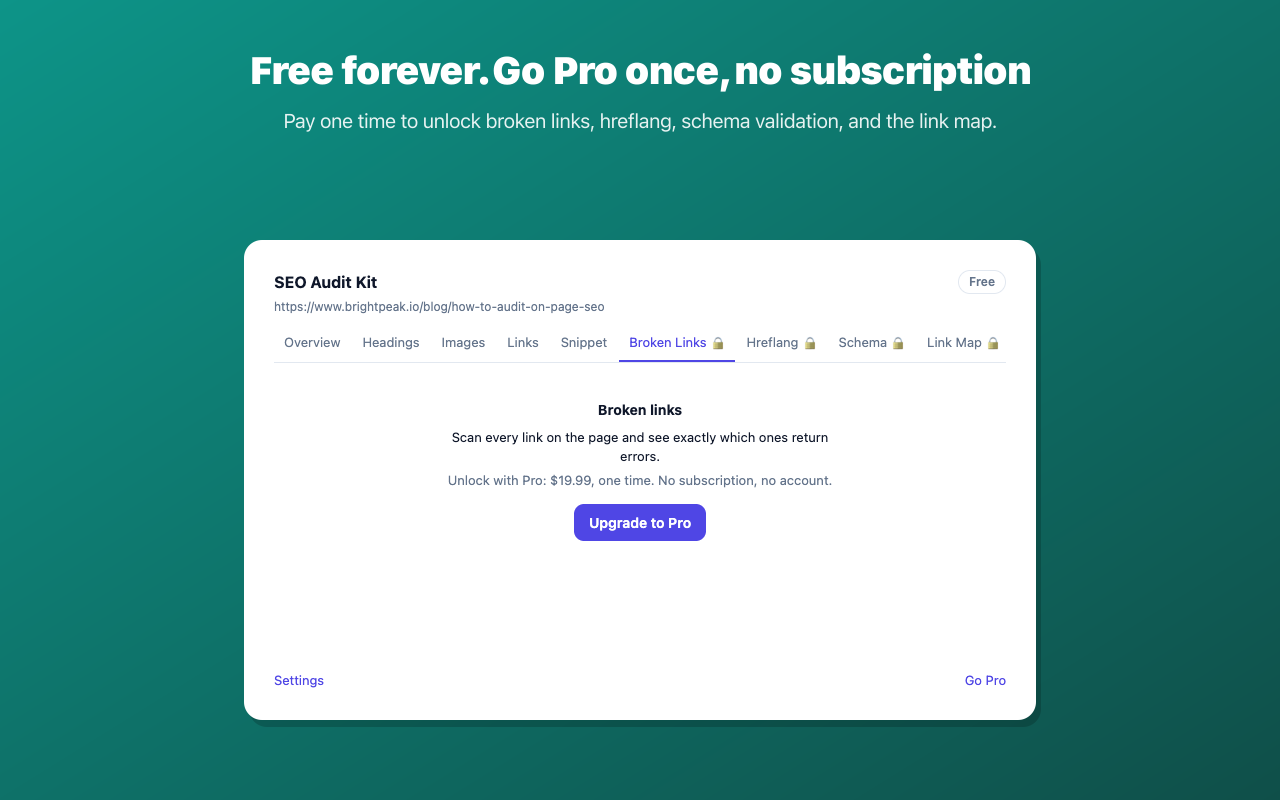
Unlock the broken-link checker, hreflang validator, structured-data validator, and internal link map with a single purchase. No subscription, ever.
Screenshots
Pricing
Free
$0
- On-page overview: meta, canonical, robots, social tags
- Heading outline and image alt-text audit
- Internal and external link breakdown
- Desktop and mobile SERP snippet preview
- Always functional, no time limit
Pro
$19.99 one time
- Everything in Free
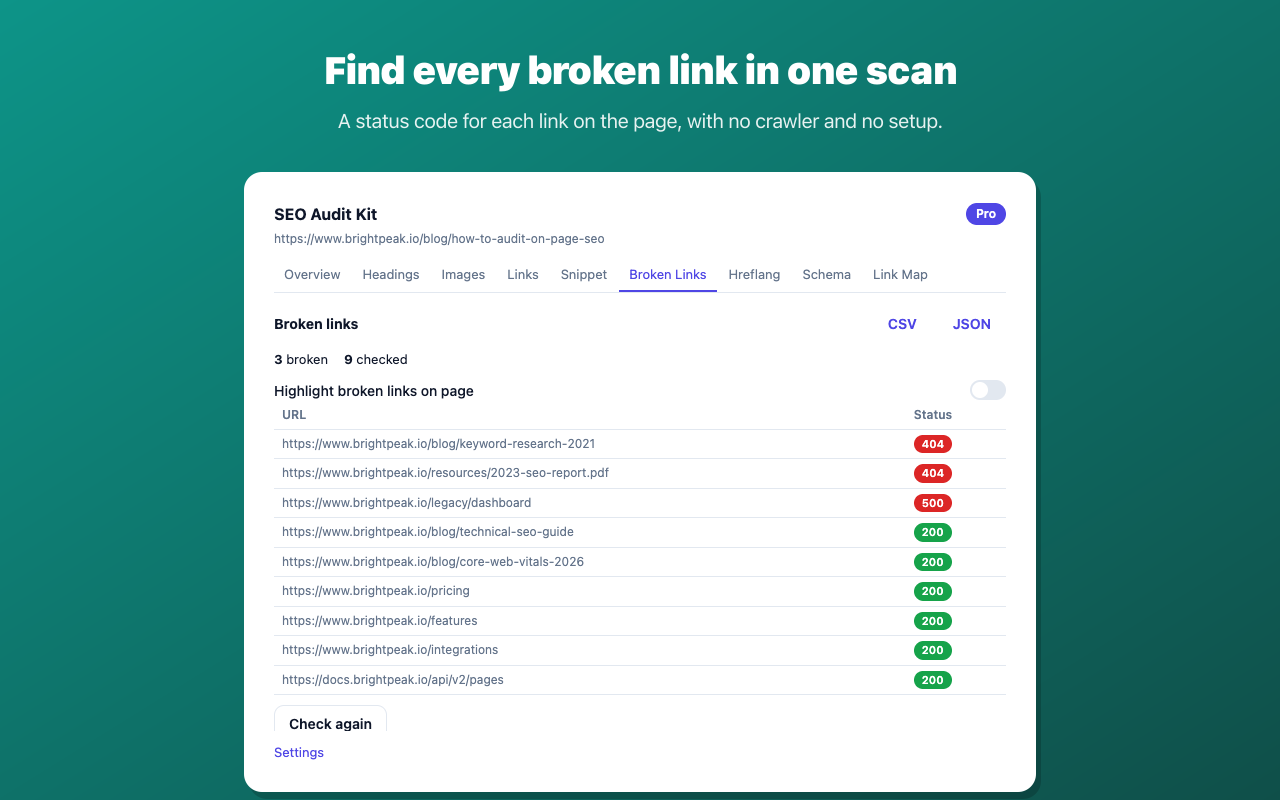
- Broken-link checker with status codes
- Hreflang validator
- Structured-data validator (JSON-LD and microdata)
- Internal link map and CSV / JSON export
- No subscription, no account
Guides
Step-by-step walkthroughs for the on-page checks that actually move the needle. Written to be useful whether or not you install anything.
How to Audit On-Page SEO: A Practical Checklist
The eleven checks worth running on any page, in the order that finds real problems fastest.
Title Tag and Meta Description Length Limits
Character counts are a proxy. Google truncates on pixel width, and here is how to write for it.
How to Find and Fix Broken Links on a Page
Status codes, HEAD versus GET, the false positives to expect, and what to do with each kind of break.
How to Preview Your Google Snippet Before You Publish
What a result is actually made of, how to measure it honestly, and why the live version may not match.
Hreflang Tags: How to Set Them Up and Validate
Locale codes, self-references, return links, and the canonical conflict that silently voids the whole cluster.
How to Check Structured Data for Rich Results
Required properties by type, the mistakes that quietly remove eligibility, and how to verify.
Heading Structure and Alt Text: A Quick Audit
One H1, no skipped levels, and alt text that describes function rather than pixels.
Canonical Tags and Duplicate URLs: A Field Guide
The tag that consolidates duplicate URLs, and the template bugs that turn it into a footgun.
Frequently asked questions
How do I audit on-page SEO with SEO Audit Kit?
Open the page you want to check and click the SEO Audit Kit icon. It reads the page in your browser and reports the title tag, meta description, canonical, heading structure, images and alt text, links, and a live Google snippet preview. Pro adds a broken-link scan, hreflang validation, structured-data checks, and an internal link map. Nothing is uploaded; every check runs locally.
Is SEO Audit Kit free?
Yes. The free tier is fully functional and covers the on-page overview, heading structure, images, links, and the SERP snippet preview. Pro is a single one-time purchase that unlocks the broken-link checker, hreflang validator, structured-data validator, and internal link map.
Do I need an account or a subscription?
No. There is no account and no subscription. Pro is a one-time purchase of $19.99 that unlocks the paid tools for good.
Does my page data leave my browser?
No. Every SEO check runs locally on the page you are viewing. The only data that leaves your browser is an anonymous license check and a small set of anonymous usage events that you can turn off in the options. See the privacy policy for details.
What does SEO Audit Kit check?
Title and meta description length, canonical and robots tags, Open Graph and Twitter cards, the H1 to H6 outline, image alt text, internal and external links, and a desktop and mobile SERP snippet preview. Pro adds broken-link detection with status codes, hreflang validation, JSON-LD and microdata validation, and an internal link map.
Which browsers are supported?
SEO Audit Kit supports Google Chrome and other Chromium-based browsers that can install extensions from the Chrome Web Store.
How do I get support?
Email [email protected] and we will get back to you.